
The phone you already have
An iPhone or an Android. There's no second SIM to buy and no second device to carry — your current line keeps working exactly as it does today.
How it works
Getting a second phone number takes about two minutes: install SpareNumber, pick a number from the list of available ones, and start calling and texting from it. No second SIM, no second handset. The number you get is a real one — it rings, it receives texts, and it's the only number the people you contact ever see.
Coming soon on
Google PlayComing soon on
App StoreAn iPhone or an Android. There's no second SIM to buy and no second device to carry — your current line keeps working exactly as it does today.
Your second line runs over your internet connection rather than a carrier contract, so there's nobody new to sign up with.
Most of that is spent deciding which number you like. The setup itself is three screens.
The walkthrough
Step 1. Pre-register on Google Play and SpareNumber installs itself on your phone the day it launches. The App Store version follows right behind.
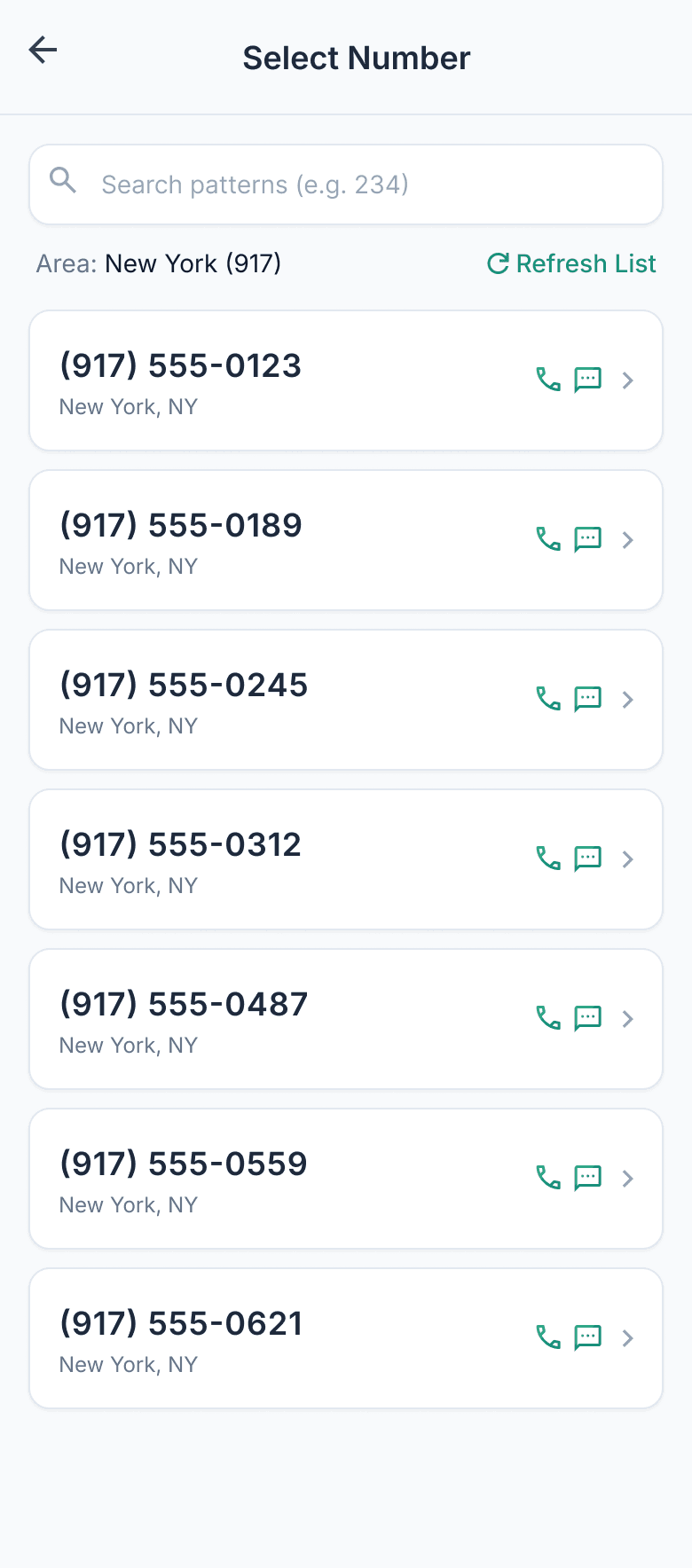
Step 2. Browse the numbers that are actually available, each listed with its city and area code, and tap the one you want. Search a digit pattern to narrow the list, or refresh it for a new batch.
The number is yours the moment you confirm it. If you'd rather have a number from somewhere you do business than the city you live in, pick that area code instead — nothing about it is tied to where your phone is.
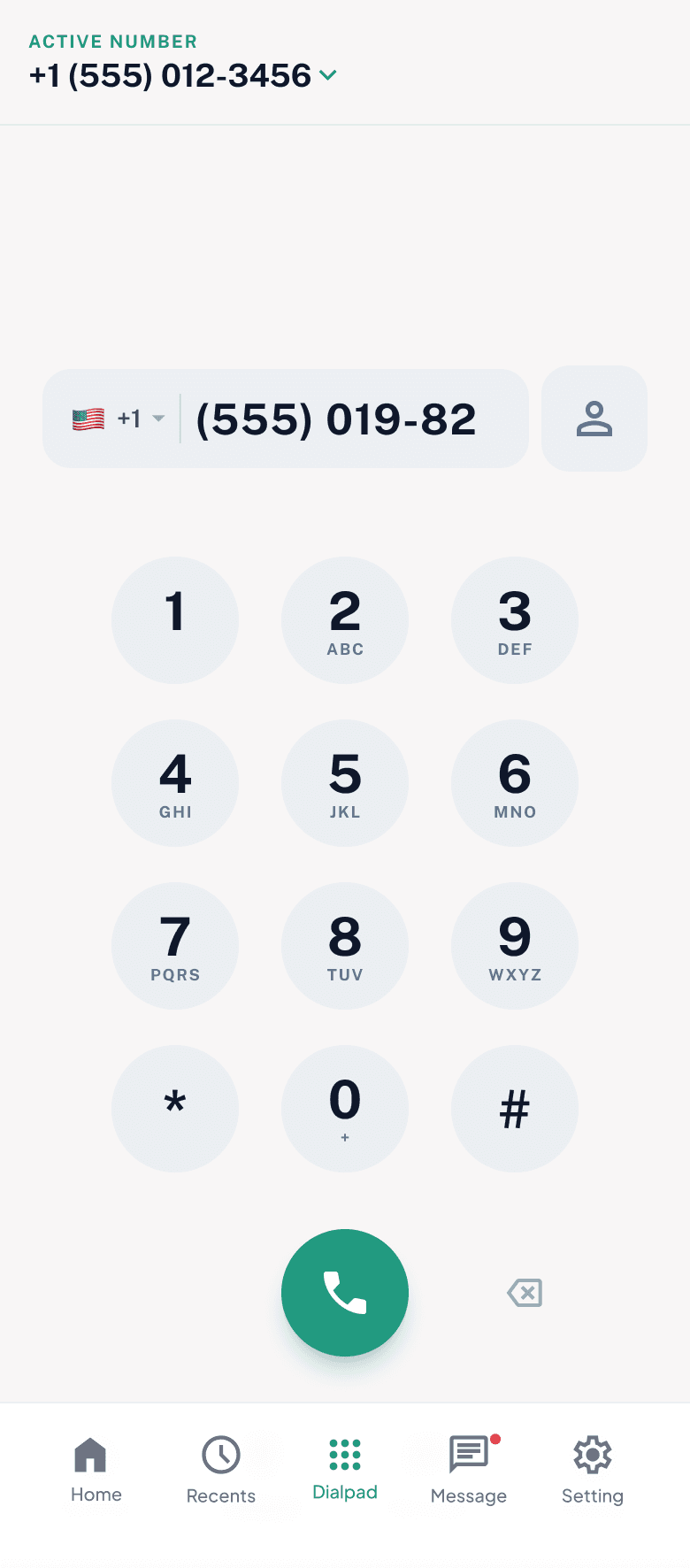
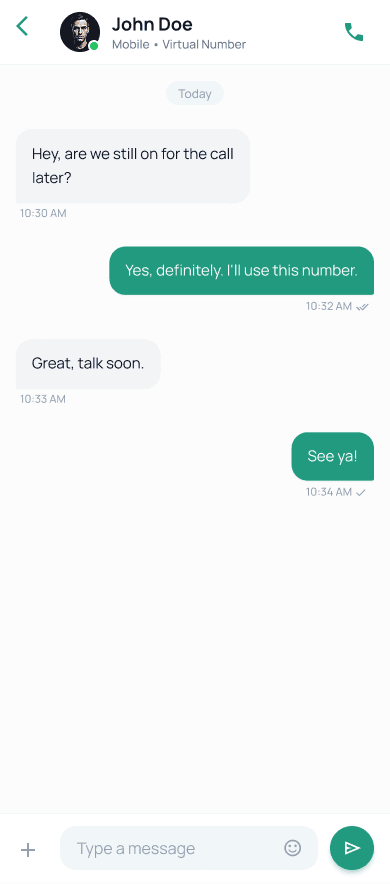
Step 3. Dial from the keypad, open a thread and text, and let voicemail catch what you miss. Everyone you contact sees your SpareNumber — never your real one.
That's the whole point of a second line on your phone: you can hand this number to a marketplace buyer, a client, or a dating match without giving away the number your bank and your family use.
Available numbers
Pick a local number in any of these countries when you set up. You can call and text normally from it — the number is a real one, not an app-to-app handle.
Setup questions
No. SpareNumber works entirely over Wi-Fi or mobile data. Your second number lives in the app — no SIM card, no extra device.
An internet connection — Wi-Fi or mobile data — and the app. That's it.
Yes. It's a real number that can call and text other phones — not an internal app-to-app gimmick.
Yes, you pick from available local and international numbers when you set up.
No. Anyone you call or text sees only your SpareNumber. Your real number is never shared with them.
Soon, on both iOS and Android. Pre-register on Google Play to get it automatically on launch day — the App Store version follows right behind.
Calling, texting, voicemail, number selection, call history and spam control — every feature of the app, explained.
Explore the private phone number app featuresPre-register on Google Play and SpareNumber installs automatically the day it launches.
Coming soon on
Google PlayComing soon on
App Store